
Cam PDF field guide

Better scans begin with better decisions.

Practical, evidence-checked guidance for turning paper into readable files, fixing common export problems, and choosing the right mobile document workflow.

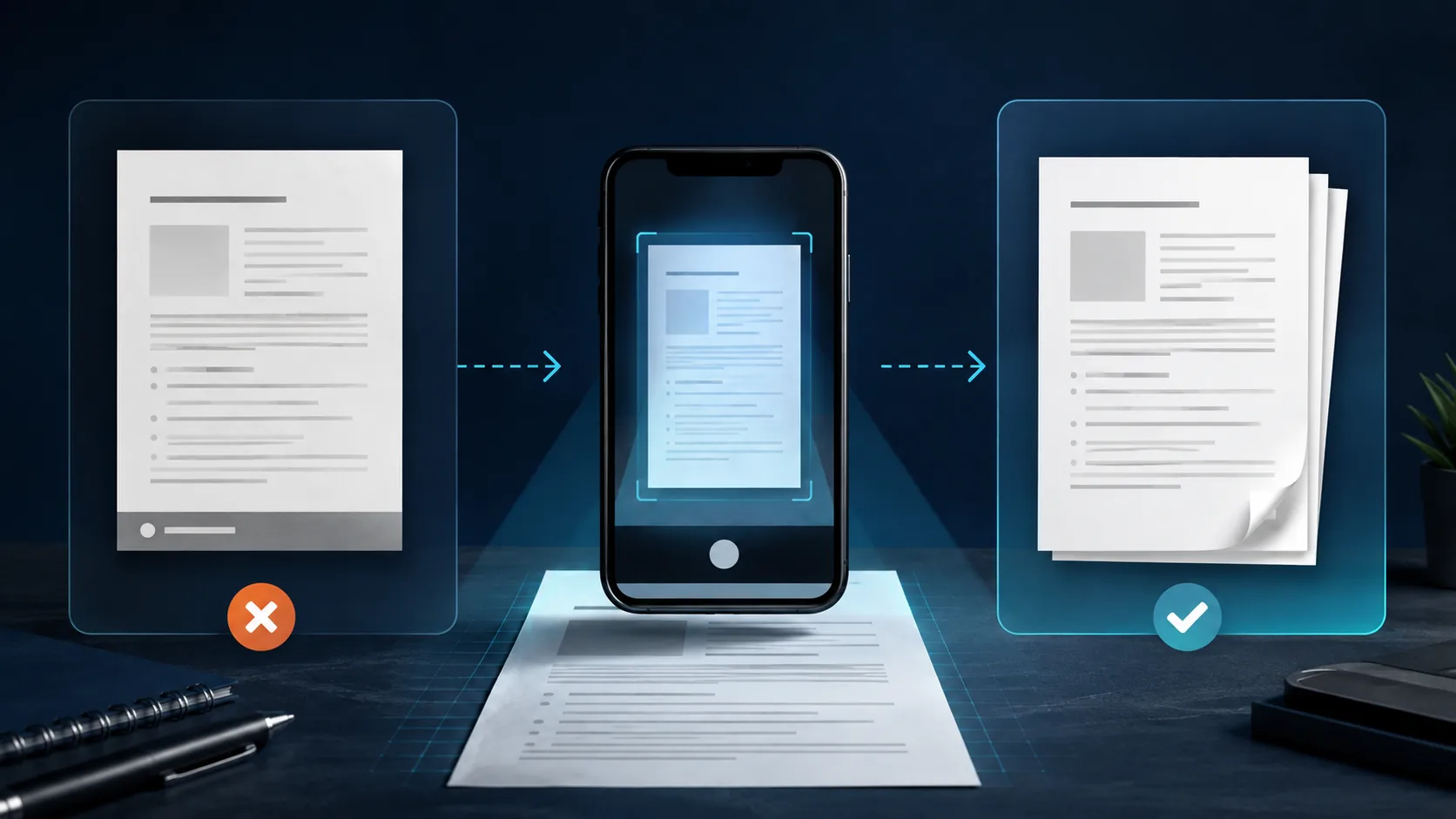
Document scanning workflow leading to a clean PDF export

Choose the job

Guides for the next document task

Each guide owns a different search intent: combine pages, share a PDF by QR code, or sign and send a finished document. Start with the task in front of you.

Multi-page PDFs

Scan multiple pages into one PDF

Capture a stack, check page order, correct crops, and export one readable file.

Read the multi-page guide
PDF sharing

Share a PDF with a QR code

Turn a stable PDF link into a scannable website QR code from your phone.

Read the QR-code guide
Signed documents

Scan, sign, and send a PDF

Place a signature, review the export, and choose where the finished file goes.

Read the signing guide

Continue the workflow

Product details and release notes

Product

Explore Cam PDF

See the scanner, PDF editor, signer, organizer, export tools, and QR studio.

Open the product page
Download

Try a cleaner scanning workflow

Scan, organize, sign, and export from Cam PDF without an added Cam PDF watermark.

Get Cam PDF on Google Play
Trust

How document data is handled

Review the privacy boundaries for scans, accounts, analytics, ads, and sharing.

Read the privacy policy