
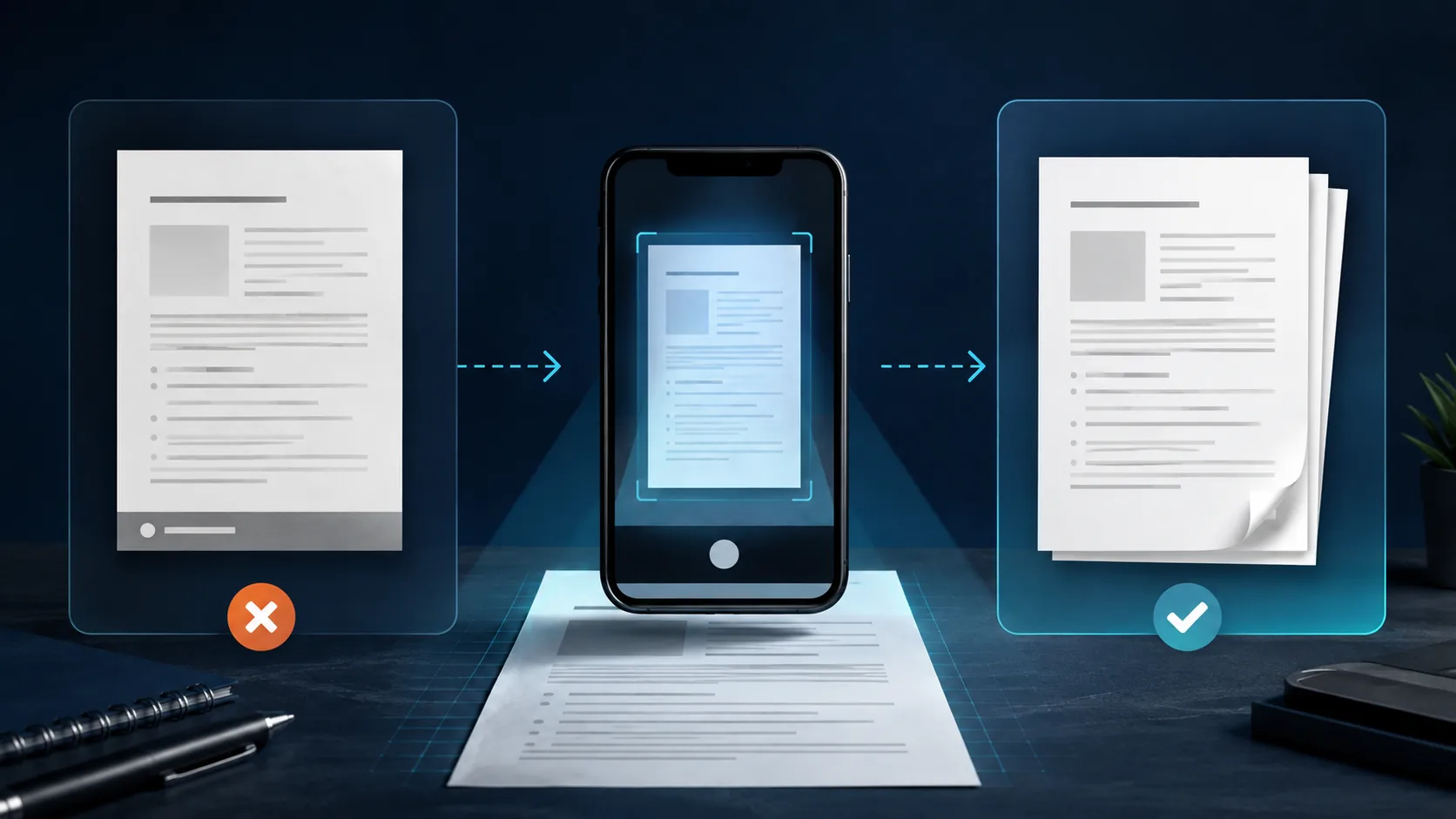
The short answer
Look for the legitimate removal control before editing anything.
- Open the original document inside CamScanner.
- Check the document actions, share, or export screen for “Remove watermark.”
- If it is available, apply it before exporting a new PDF or image.
- If it is missing or asks you to subscribe, there is no universal free in-app method that works across every version, region, and plan.
For a file that already exists, use a copy and preserve the original. If you still have the paper pages, rescanning them is usually faster and safer than reconstructing a branded footer pixel by pixel.
01
Try CamScanner’s own option first
CamScanner has offered an in-app removal action, but public instructions do not describe one rule for every user. In 2022, CamScanner announced that Basic users in the United States could share PDFs and JPEGs without a watermark on iOS and Android. Other official store and subscription information has continued to show paid plans and plan-dependent features.
That is why two people can follow the same tutorial and see different controls. App version, storefront, account status, region, a temporary offer, and the type of export may all affect what appears. A video from another year or country is not proof that your current account has the same option.
Open the source scan
Work from the document in CamScanner, not a compressed copy from a chat app.
Inspect export actions
Look for removal in the document menu, share flow, or export settings.
Export and verify
Open the new file and inspect every page before replacing your original.
What does Premium cost?
The price depends on the plan and storefront.
Checked September 7, 2026, CamScanner’s US iPhone listing displayed multiple Premium and Plus purchases around US$4.99–$9.99 per month and US$49.99–$69.99 per year. Your price can differ by country, currency, promotion, and plan shown at checkout.
Confirm the final amount inside your own App Store or Google Play purchase screen. Do not subscribe solely from a price quoted in an old article.
Sources: CamScanner on the US App Store and CamScanner billing FAQ.
02
If you only have the watermarked PDF or image
Make a copy before you touch the file. A footer may look separate from the scan, but cropping or covering it can remove a page number, signature edge, form border, date, seal, or verification detail. That matters most when the document will be used for school, employment, banking, insurance, healthcare, legal, or government work.
Re-export from CamScanner
Best when the original project remains in the app and removal is available.
Crop blank margin only
Reasonable only when the mark is fully outside the document and no content moves.
Upload to an online editor
Avoid this for sensitive files; another service receives a copy of the document.
What we do not recommend
- Mod APKs, cracked builds, or patched subscriptions. They can expose documents and account credentials, and they bypass the developer’s distribution and payment controls.
- Painting over a mark on an official document. A white rectangle may hide adjacent details and can make the file look altered.
- AI reconstruction near signatures, numbers, or seals. Generative filling may invent pixels that were never present in the original.
If a crop is genuinely safe, the free PDF page organizer can help you check page order afterward, and the PDF compressor can reduce the final file size. Neither tool should be used to misrepresent or alter the meaning of a document.
03
The best free fallback: rescan the original
When the paper pages or original images are still available, a fresh capture avoids the uncertainty of removing a mark from a flattened file. It also gives you another chance to correct shadows, perspective, focus, page order, and the final file name.
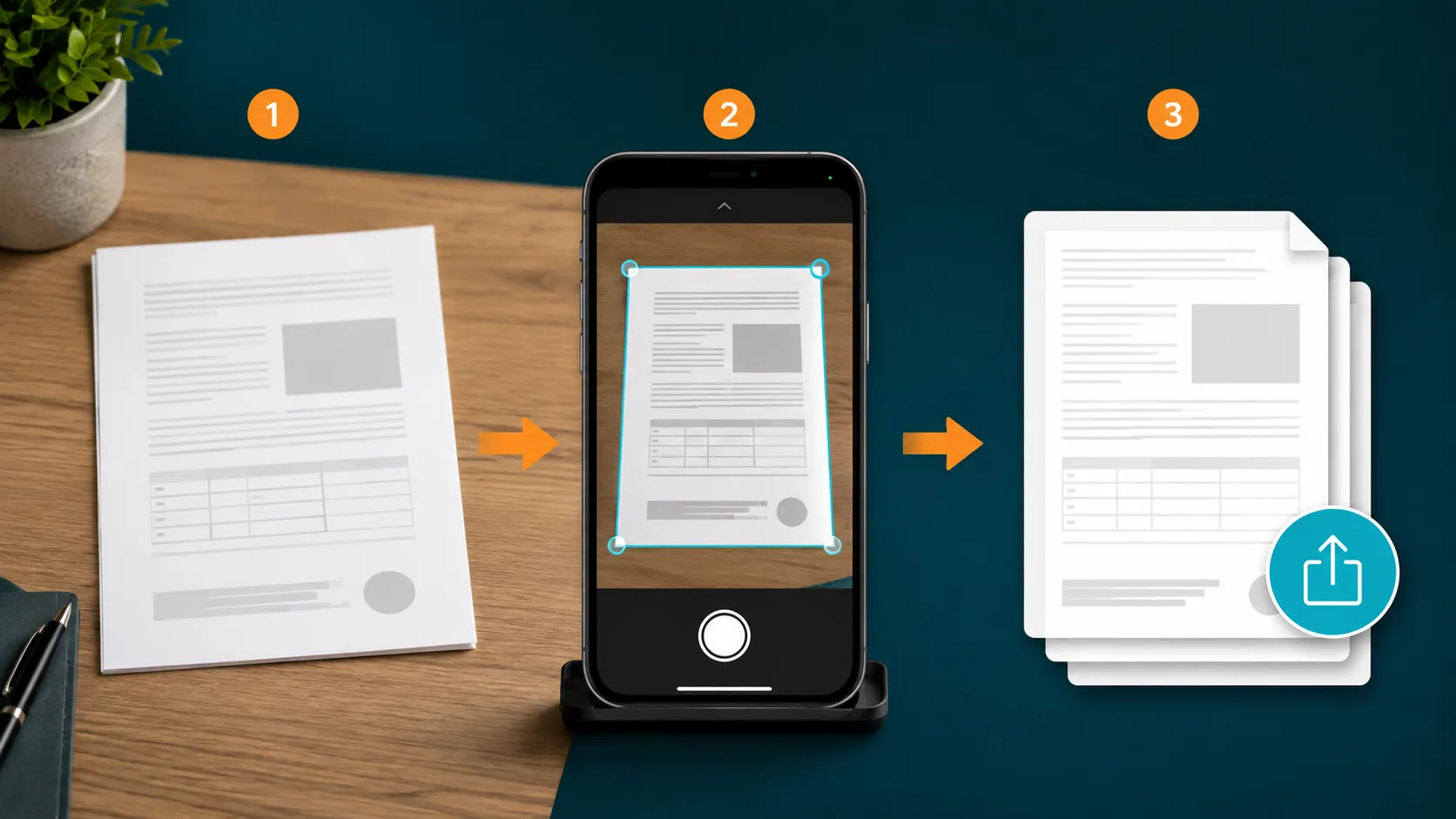
- Place the page on a flat, contrasting surface with even light.
- Keep the phone parallel to the page and include all four corners.
- Review edge detection instead of accepting the automatic crop blindly.
- Check focus, orientation, page order, and signature placement.
- Export a copy, open it, and inspect every page before sending it.
04
Which scanner apps export without a watermark?
“Free scanner” does not always mean “unlimited,” and “Premium removes the watermark” does not mean a subscription pays for that feature alone. Paid plans usually bundle OCR, cloud sync, storage, filters, signing, or other capabilities. The useful question is narrower: will the edition you choose add its own branding to the exported file?
| App | Watermark-free export | What the current official information says |
|---|---|---|
| CamScanner | Varies by version, region, and offer | Try the in-app Remove watermark action first. CamScanner’s 2022 announcement gave US Basic users clean sharing, but it was limited to that audience; we do not assume the same rule applies to every account today. CamScanner announcement |
| SwiftScan | Watermark removal is listed as a paid feature | SwiftScan’s official Android plan table lists Remove Watermark with its VIP and Plus account levels rather than Basic. SwiftScan support |
| TapScanner | Premium includes watermark removal | TapScanner’s official FAQ lists watermark removal among Premium capabilities. A paid plan includes other features too, so this is not a watermark-only charge. TapScanner FAQ |
| iScanner | No iScanner watermark in Free or Pro | iScanner says both editions export without its watermark, although the free edition has other limits. It should not be grouped with apps that require payment solely for clean output. iScanner support |
| Cam PDF | No added Cam PDF watermark | Cam PDF exports clean files in the free version. An account, ads, and a weekly export allowance apply; rewarded ads can add usage. Available for Android and iPhone. Cam PDF product details |
Comparison based on current official product and support information checked September 7, 2026. Features and prices can change. We did not infer a policy from reviews or third-party download sites.
For the next document
Use a scanner that starts with a clean export
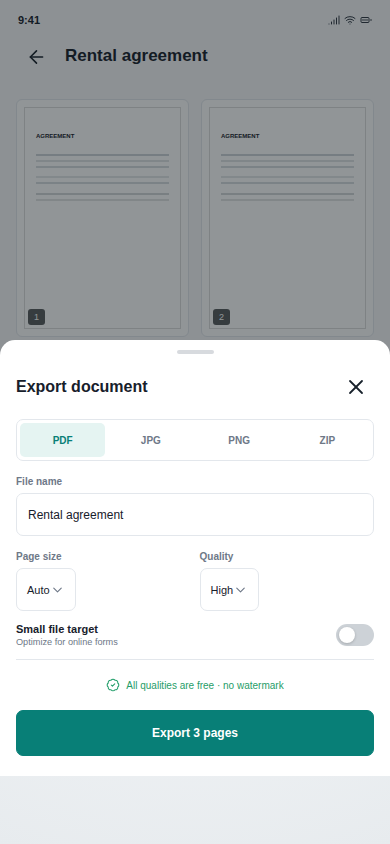
Cam PDF Scanner: Sign & QR is a DJAI product, so this is our own alternative—not an independent recommendation. It is available on Android and iPhone and does not add a Cam PDF watermark to documents exported from the free version.
The app combines multi-page scanning, edge correction, PDF organization, signing, compression, file naming, and QR tools. It uses an account, advertising, and a weekly export allowance; optional rewarded ads can add usage. That is more accurate than calling it unlimited.
Available for Android and iPhone. The verified Android store link is provided here; the iPhone listing is not linked until DJAI has its final public App Store URL.
05
Frequently asked questions
Can I remove the CamScanner watermark without Premium?
Sometimes. Open the document and check the share, export, or document action menu for Remove watermark. If the action is available to your account, use it before creating the PDF or image. If it is absent or opens a subscription screen, there is no universal free in-app method we can promise for that version, region, and plan.
Can I remove “Scanned by CamScanner” from an existing PDF?
A PDF editor may be able to crop a footer that sits entirely in blank margin space. Keep the original, work only on a copy, and confirm that page numbers, signatures, dates, seals, and form fields remain intact. For an official or sensitive document, rescanning the original is safer than painting over the file.
What about a CamScanner watermark on a JPG image?
Cropping can work when the mark sits outside the document boundary, but it can also change the page proportions or remove content. If you still have the paper or original unbranded image, capture or export it again instead.
Should I use an online CamScanner watermark remover?
Not for private, financial, identity, employment, school, medical, or signed documents. Uploading gives another service a copy, and automated removal can blur or reconstruct nearby content. Review that service’s privacy and deletion terms before uploading any non-sensitive file.
Which free scanner app does not add its own watermark?
Cam PDF and iScanner both state that their free exports do not carry their own app watermark, though their other limits differ. Cam PDF is available on Android and iPhone and combines scanning, PDF organization, signing, compression, and QR tools.
Is Cam PDF really free and unlimited?
Cam PDF has free document features and does not add a Cam PDF watermark to exports, but it is not marketed as unlimited. It uses an account, advertising, and a weekly export allowance, with optional rewarded ads that can add usage.
06
Sources and editorial notes
Product policies and store prices were checked on September 7, 2026. We prefer first-party support pages and store listings because scanner features can change between versions and regions.
- CamScanner: US Basic watermark announcement
- CamScanner: billing and subscription FAQ
- CamScanner: US App Store listing and in-app purchases
- SwiftScan: Android features by account type
- TapScanner: official FAQ
- iScanner: official support answers
CamScanner is a trademark of its respective owner. DJAI Academy is not affiliated with or endorsed by CamScanner or the other third-party apps discussed here. Use these methods only on documents you own or are authorized to edit, and preserve an unmodified copy when document authenticity matters.